Balancing Sound and Style
A great picture should be accompanied by great sound. A modern soundbar is one of the easiest ways to create a home theater experience without filling your living room with multiple speakers.
However, setting up a TV and soundbar involves much more than simply connecting a few cables. It requires careful planning to achieve both excellent performance and a clean, streamlined look.
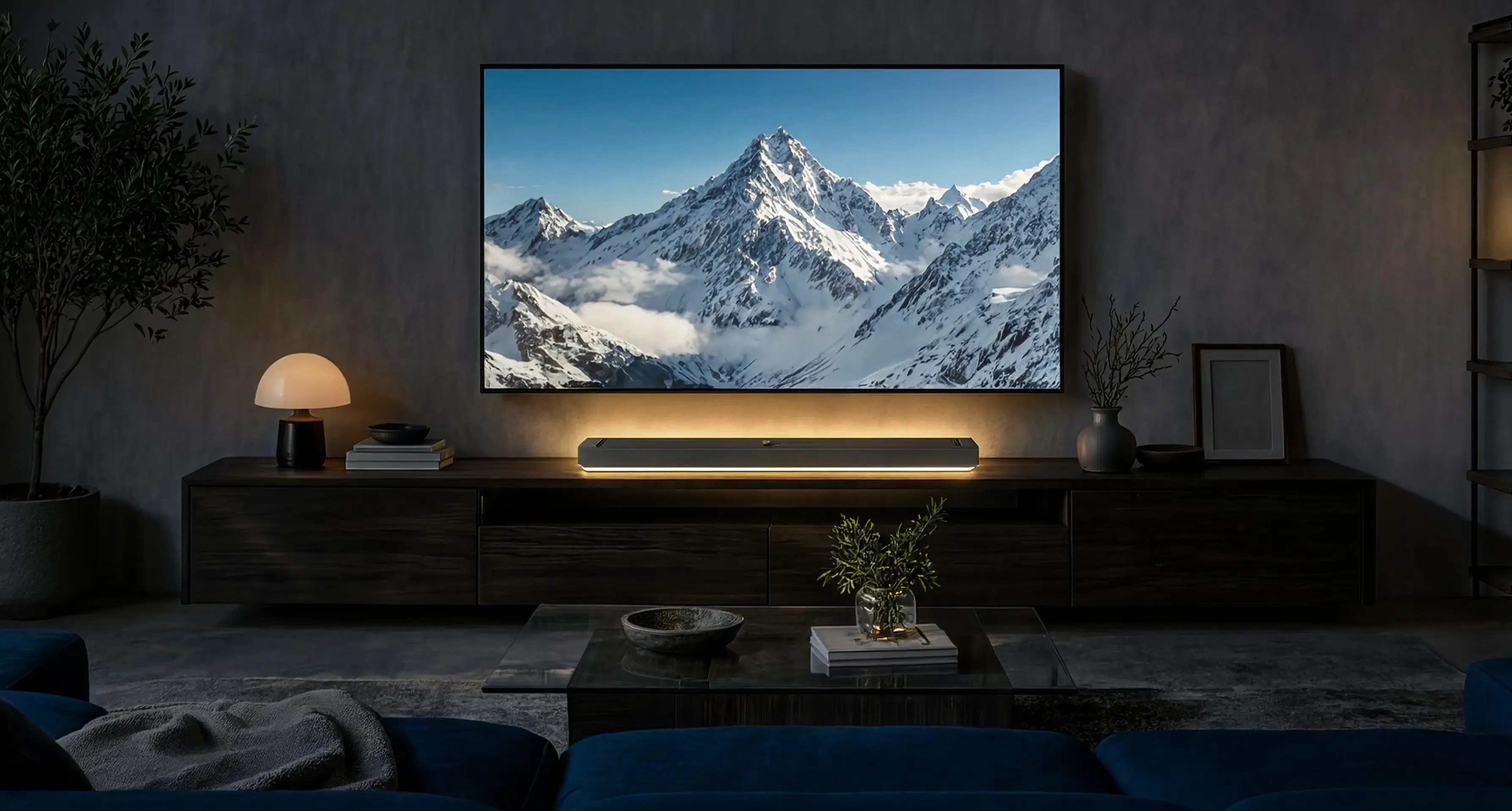
Optimization of the Visual-Auditory Space
The first issue owners face — is visual clutter. A carelessly installed soundbar can ruin even the most carefully curated interior. The ideal solution — mounting the soundbar directly beneath the TV. This creates a sleek floating appearance that looks incredibly stylish. However, it is important to consider the spacing: the soundbar should be positioned as close as possible to the bottom edge of the screen so that the sound appears to come directly from the screen. If the soundbar is mounted too low or too close to the TV, it can create unwanted vibrations that transfer to the mounting bracket.
We often use specialized mounts that fix directly to the TV bracket. This solution allows the soundbar to "follow" the TV as its position changes. If the TV is swiveled, the soundbar moves with it, keeping the sound aligned with the picture for a more natural viewing experience. Such an arrangement requires precision in load balancing, especially when working with full-motion mounts.
Why Standard Solutions Are Sometimes Insufficient
Beyond aesthetics, there is the question of software and hardware "compatibility" between devices. The most common problem we encounter — is audio lag, where the sound does not match the movement of the actors' lips on screen. This occurs due to protocol mismatches or incorrect signal processing by the TV's processor.
Our professional setup protocol includes the following steps:
- Interface Selection: For the best audio performance, use an HDMI eARC (Enhanced Audio Return Channel) connection whenever it's available.
- Passthrough Setup: We recommend setting the TV to "passthrough" mode. This allows the TV to pass the audio signal directly to the soundbar without unnecessary processing, preserving the original audio quality.
- Eliminating Control Conflicts: Often, CEC (Consumer Electronics Control) protocols from different brands conflict with each other. We properly configure the HDMI-CEC settings so your TV remote can control the soundbar's power and volume, eliminating the need for multiple remotes.
- Cable Management: Using well-shielded cables is essential for maintaining a reliable audio connection. In a modern home filled with networking equipment, poor cables can pick up interference — leading to brief audio dropouts. We carefully route cables to avoid putting unnecessary strain on the connectors.
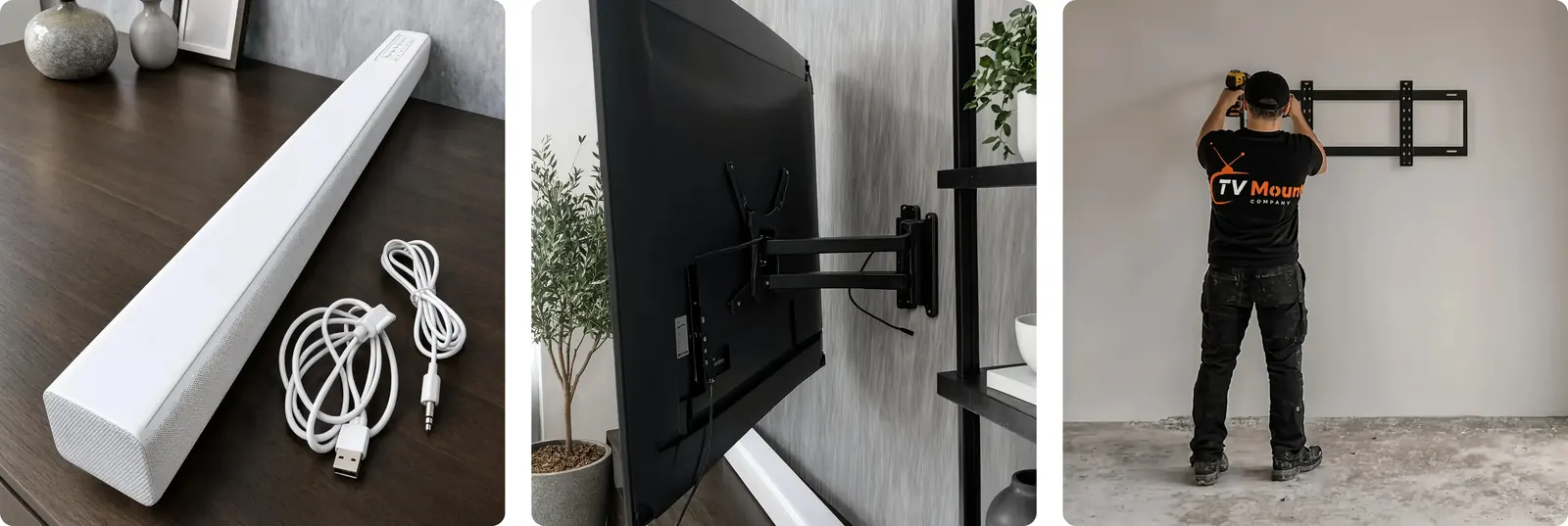
How Placement Affects Sound Quality
Sound waves are extremely sensitive to their environment. A soundbar placed on a deep shelf or inside a narrow cabinet opening can lose clarity because sound waves reflect off nearby surfaces. These reflections can create a boomy sound that makes dialogue harder to understand.
Professional installation involves extending the device beyond the limitations of the furniture — the soundbar should protrude slightly past the edge of the shelf. This allows sound waves to fill the space without obstruction, preserving the clarity of voices and the depth of special effects.
Another often-overlooked factor is the surface the soundbar rests on. If the soundbar is placed on a surface rather than suspended, it is highly recommended to use anti-vibration stands or special dampening pads. This prevents the transfer of vibrations to the furniture, which can cause rattling during low-frequency playback.
Ultimately, great TV and soundbar integration is all about balancing performance with aesthetics. When everything works seamlessly and you can simply enjoy the sound without thinking about the equipment, you know the installation has been done right.